IT / device management
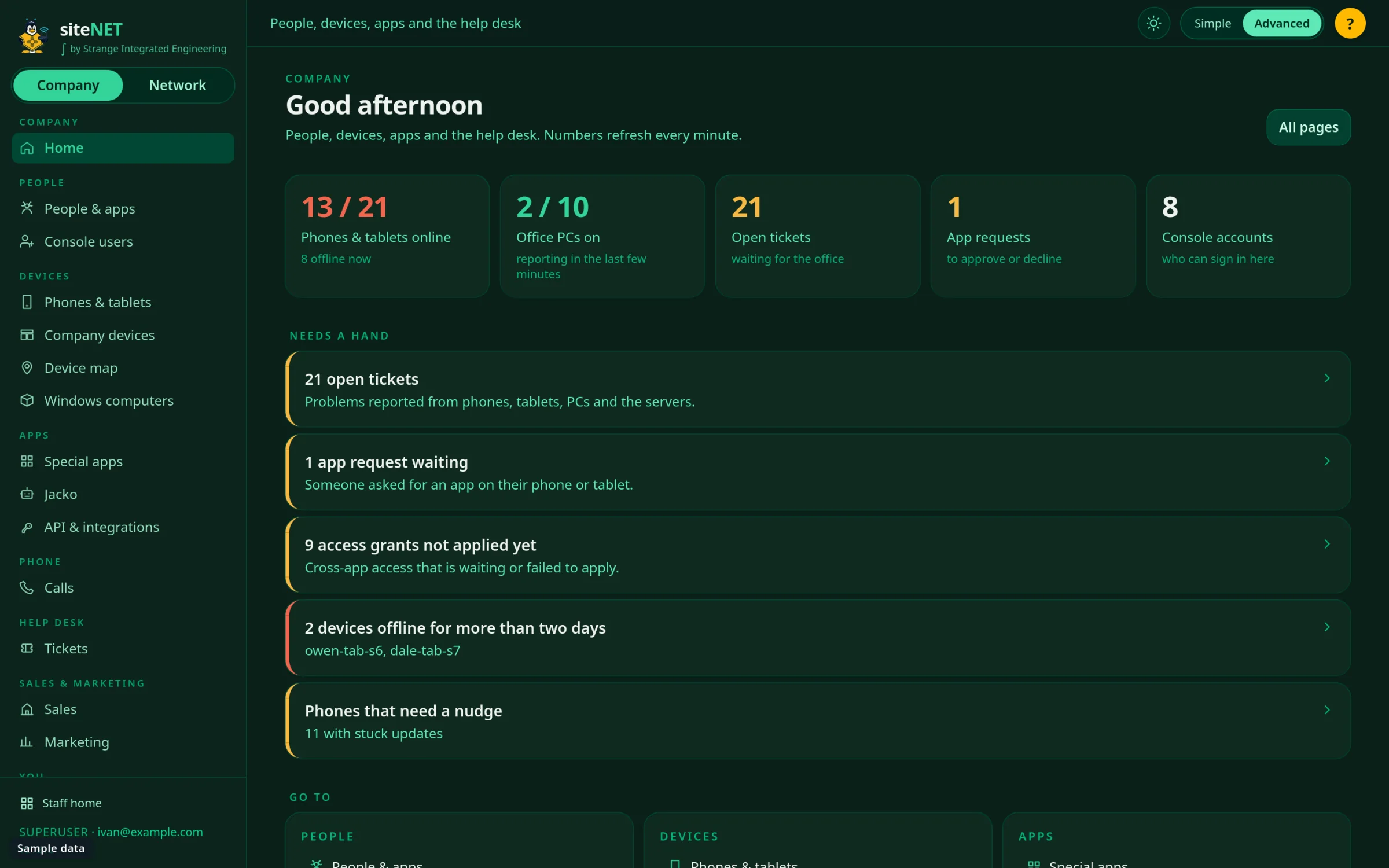
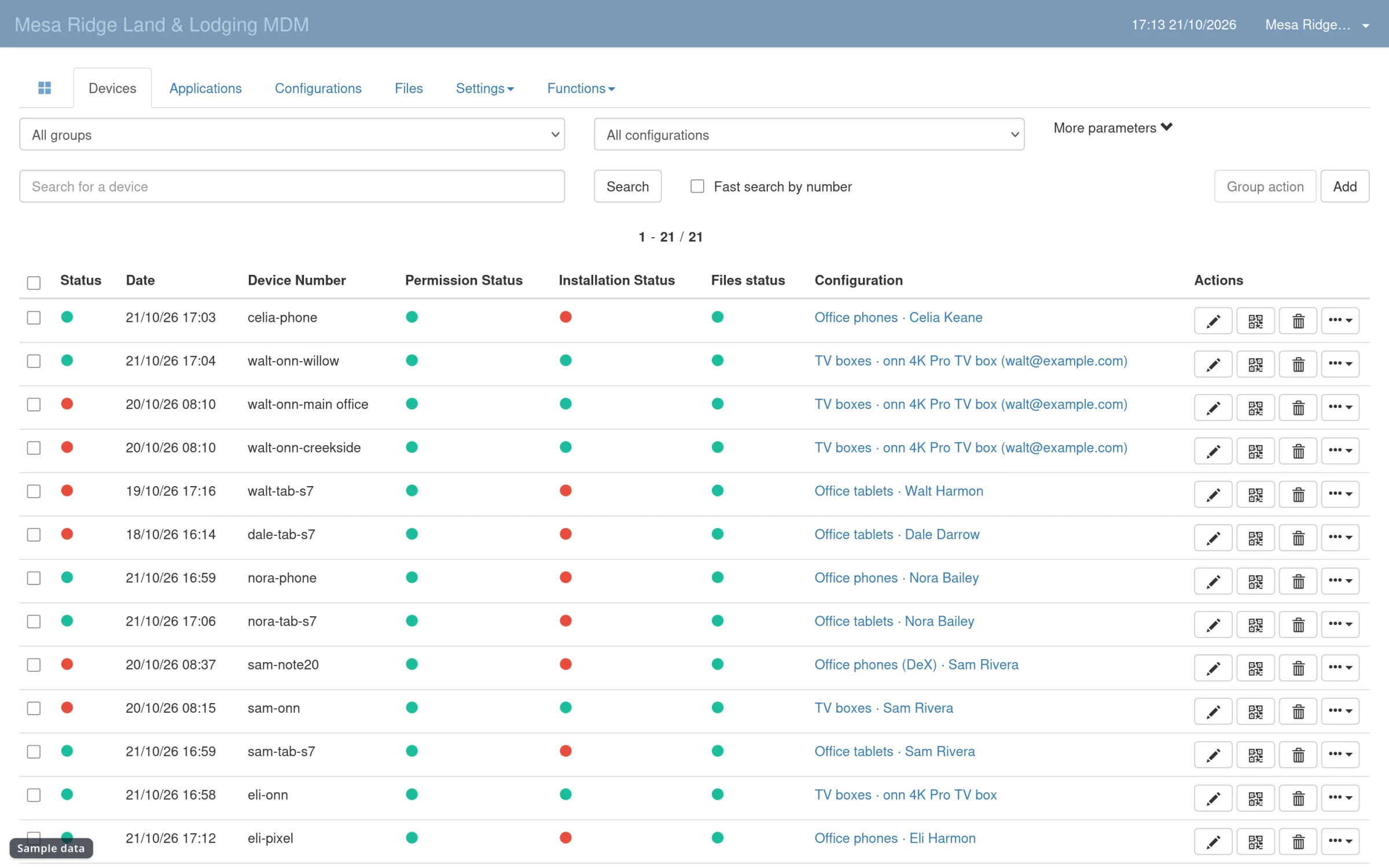
A self-hosted device fleet: 21 phones, tablets, and TV boxes, 5 set up at once
Self-hosted mobile device management with canary app updates, settings locked by role, and bulk USB setup.
01 / Problem
What wasn't working.
Company phones and tablets were personal-style devices. Every update, password, and app install was done by hand, one device at a time. A paid MDM would charge per device, every month.
02 / Approach
What I built.
- 01
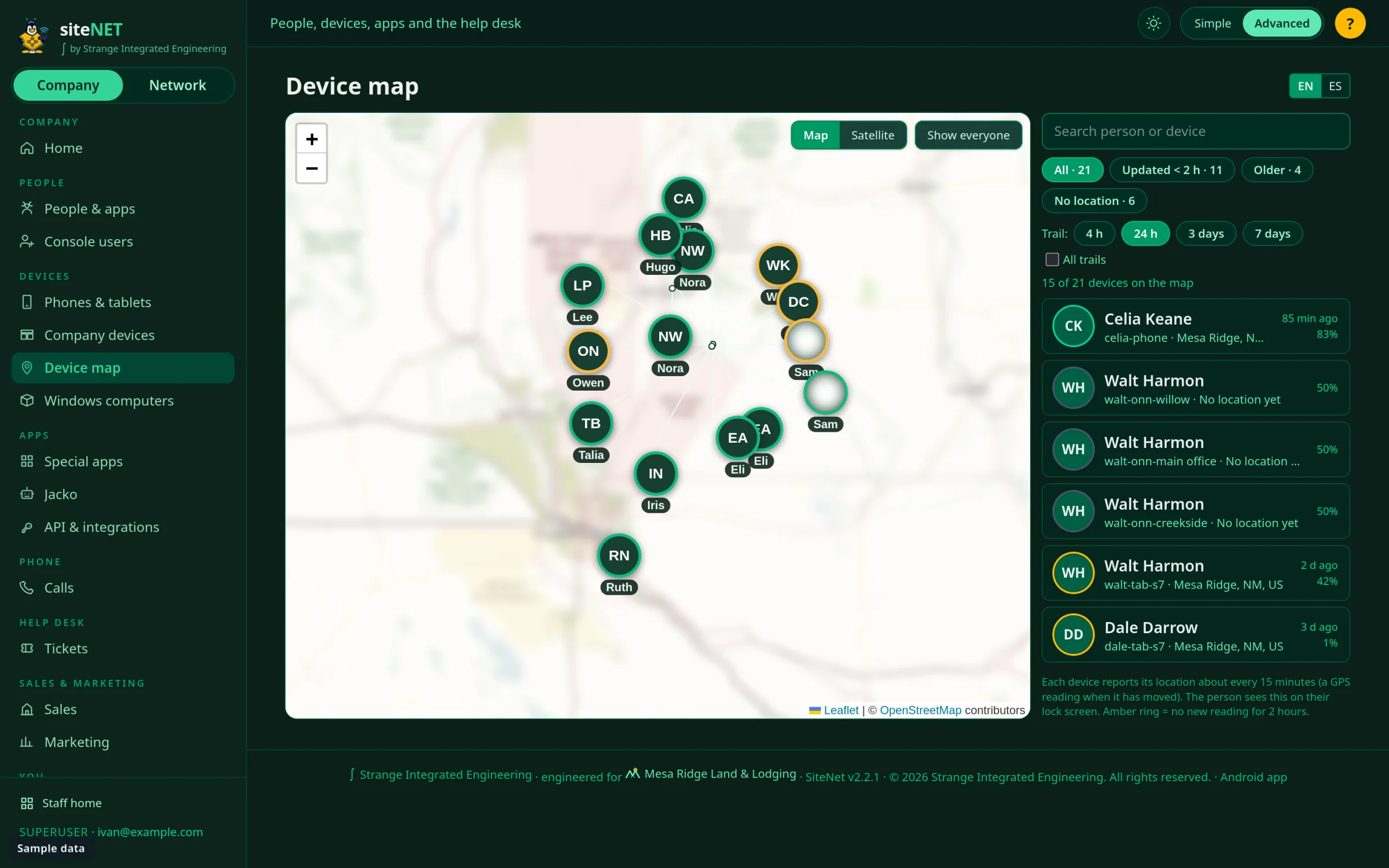
Self-hosted MDM with QR enrollment and a custom device agent for remote support, location, and lost mode.
- 02
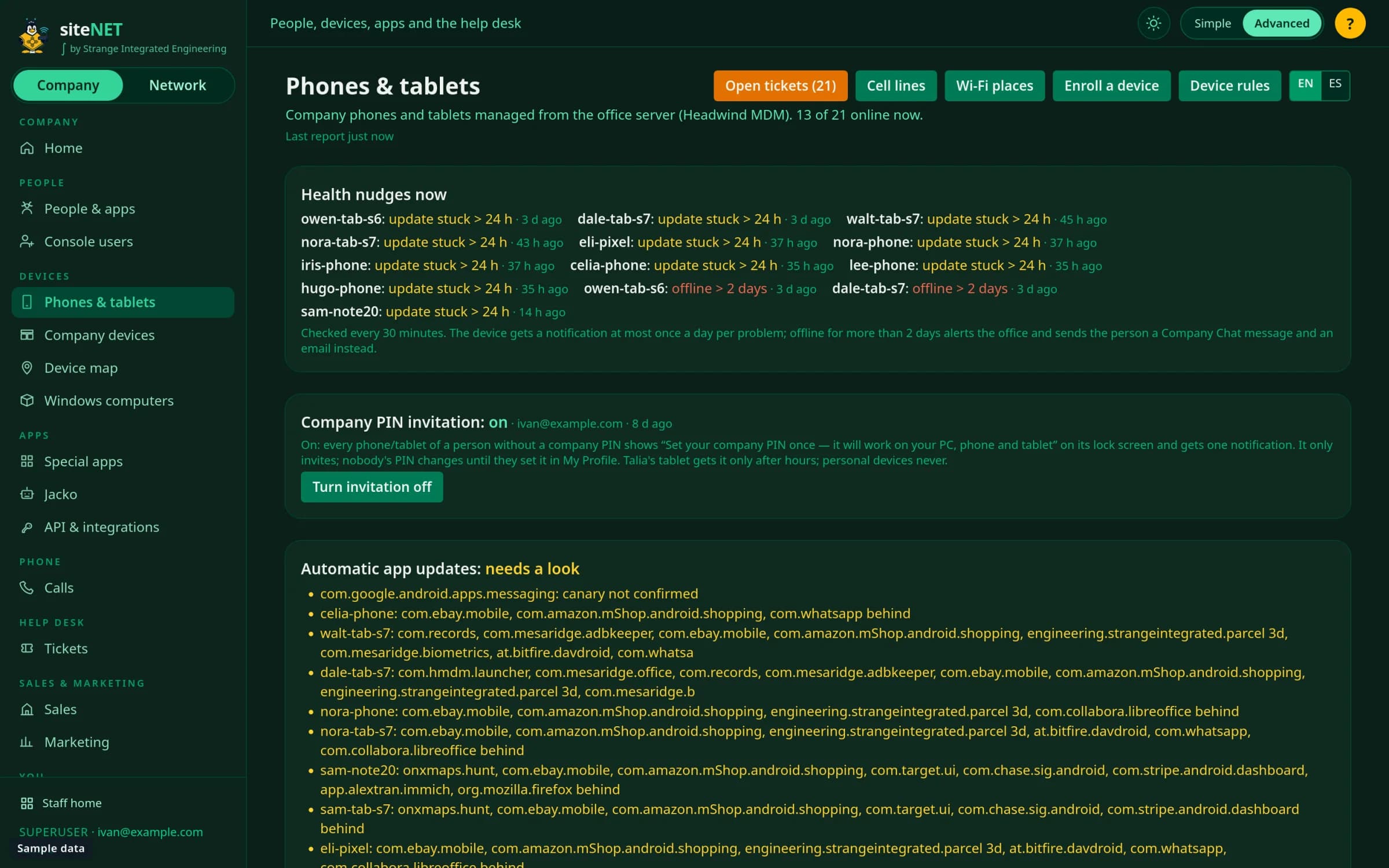
App updates go to a canary first. They roll out only after the canary is healthy for 60 minutes and the signer matches.
- 03
Settings lockdown in 4 tiers by role, with 12 restrictions added in one pass.
- 04
OS updates in a 03:00 to 06:00 window. Bloat removed on every reachable device.
- 05
5 Pixel phones provisioned at the same time from one USB hub on the server.
03 / Architecture
How the pieces connect.
04 / Result
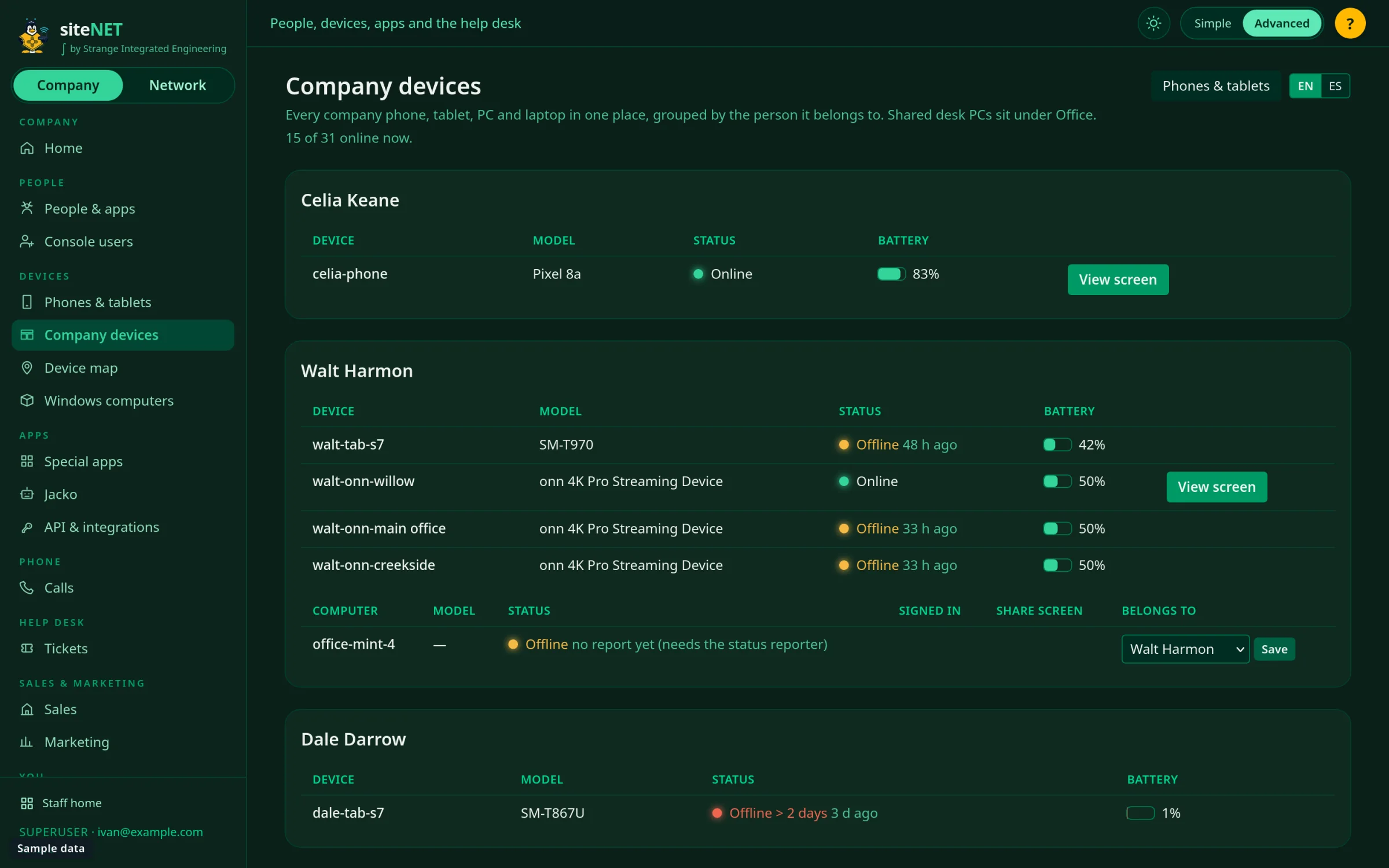
phones set up at once over one USB hub, no factory reset. 21 devices under one console. 12 of 12 reachable devices clean of bloat. A 12-app catalog for personal requests, pre-checked.
Canary updates
Checked every 20 minutes across 17 sources. Signer must match.
Tiered lockdown
What a person can change depends on their role.
Bulk setup
A USB hub and a script beat an afternoon of tapping.
Remote support
See and control a device screen from the office.
Have a problem like this one?
Book a call